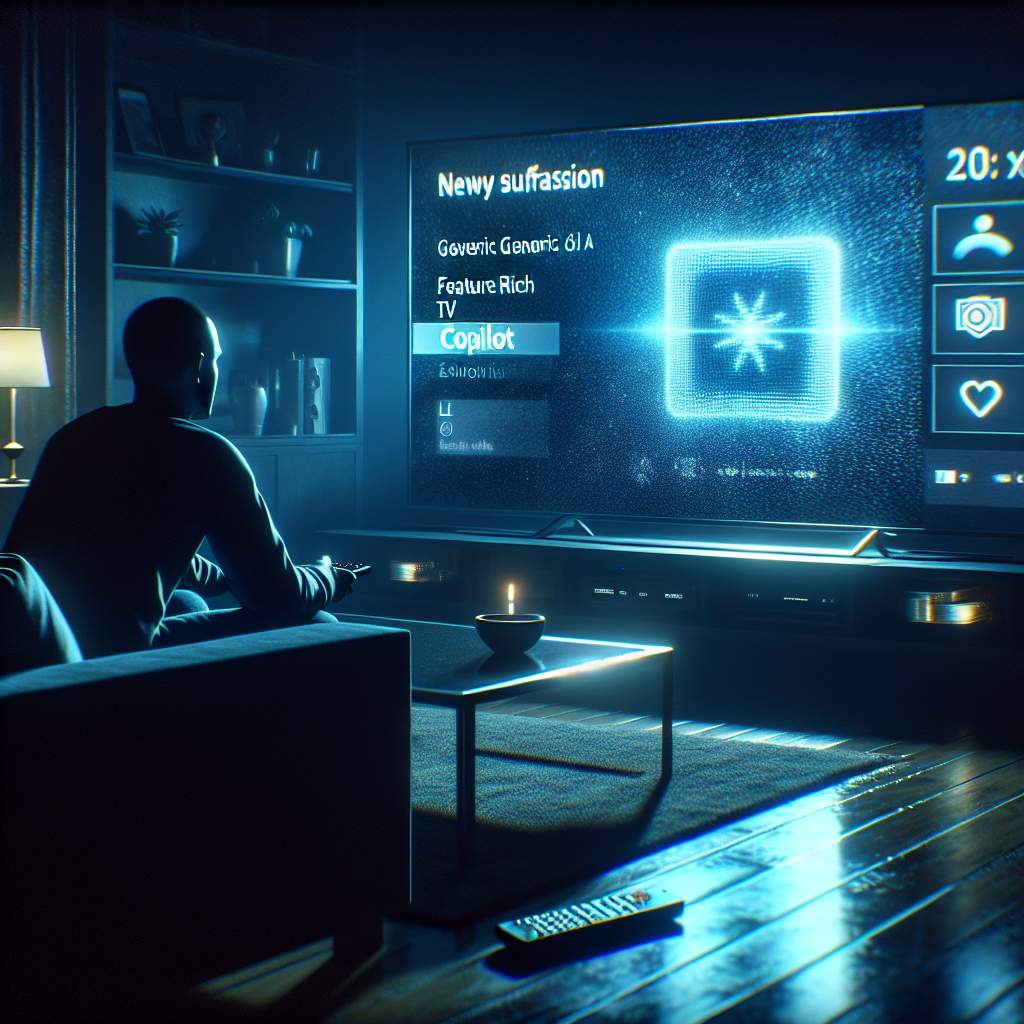
The moment the Copilot tile appeared, Alex froze.
It was just another Tuesday night in a small apartment living room — lights dim, popcorn in hand, TV remote in muscle memory rotation. But when the LG smart TV blinked awake after a routine update, there it was: a new, glossy icon on the home screen.
Microsoft Copilot.
No one in that apartment had asked for it. And worse — they soon discovered — no one could remove it.[1][3][7]
What started as a single screenshot on Reddit, captioned with familiar exasperation, exploded into a furious thread tens of thousands of people deep: When did our TVs stop being ours?[1][3][7]
The Update That Crossed a Line
Across living rooms worldwide, LG smart TVs quietly downloaded a new webOS update.[1][3][7]
Buried inside: a system-level Copilot app — Microsoft’s AI assistant — that installs itself as if it were just another streaming service.[1][3] Except it wasn’t just another app.
Unlike Netflix or YouTube, Copilot could not be uninstalled.[1][3][6][7]
At best, owners could hide the icon. The program would stay, sitting in the firmware like a guest who’d moved in and refused to leave.
Tech-savvy users dug into menus, tried long-presses, reset home screens, and even searched obscure settings. The result was always the same: Copilot was baked in.[1][3][7]
For a lot of people, this wasn’t about AI at all. It was about consent.
“The issue isn’t what Copilot does,” one user wrote, “it’s that it’s being forced onto consumers with no way to remove it.”[1][3]
How a Shortcut Became a Flashpoint
Technically, Copilot on LG TVs is just a shortcut.[1][3]
Tap it, and instead of a deep integration into the system, it simply opens the web version of Copilot in the TV’s browser — like visiting a website.[1][3]
No new microphone secretly flipped on, LG claimed. The company stressed that features like voice input still require explicit permission, and that Copilot only runs in the browser when launched.[1]
But the mechanics didn’t calm anyone down.
Because the story wasn’t about how Copilot worked. It was about what its very presence signaled.
LG’s own support materials acknowledge that certain system apps cannot be deleted, only hidden.[1][6] Copilot was clearly one of them.
So the message to users felt painfully simple:
- This is our platform.
- We decide what lives on your home screen.
- You can organize it — but you don’t truly control it.[1][3][6][7]
“It’s My TV, Not a Billboard”
Imagine a young family — two parents, one curious eight-year-old, one overworked TV that doubles as a babysitter.
They fire it up on Saturday morning expecting cartoons. Instead, their kid points:
“Hey, what’s Copilot?”
Now the parents are stuck explaining:
No, you don’t need to log in.
No, it’s not dangerous exactly.
No, you can’t delete it.
They bought a TV. What they got was a negotiation with a platform.
Analysts have a word for this creeping phenomenon: bloatware — unnecessary preinstalled software you didn’t ask for and can’t remove. On smartphones and laptops, people have learned to live with it, grudgingly. On TVs, where interfaces are already crowded with ads and recommendations, one more forced tile feels like the last straw.[1][3][7]
The Business Logic No One Voted For
Behind the scenes, the logic is brutally simple.
Smart TVs aren’t just screens anymore — they’re ad platforms, data funnels, and AI launchpads.[1][3][7]
Every new built-in app is a negotiation:
- More engagement for the AI provider.
- More leverage and potential revenue for the TV maker.
- More clutter and less control for the viewer.
At CES, LG had already signaled that Copilot was coming to its TVs.[3] Most assumed it would show up like any third-party app — installable, removable, optional.[3] Instead, LG rolled it out as a system component that “cannot be uninstalled by any means.”[3]
One fictionalized industry analyst, Maya Chen, puts it this way:
“This isn’t about AI convenience. It’s about control of the living room. If your TV can be silently repurposed via software updates, it’s not really a product anymore — it’s a service you don’t fully own.”
And LG isn’t alone.
New Samsung models ship with Copilot preinstalled and similarly locked down. TCL sets bring Google’s Gemini bundled in, also with no uninstall option.[3] The trend is clear: AI assistants are becoming mandatory roommates in your devices.
The Backlash: Reddit as a Consumer Watchdog
When the Copilot tile landed, Reddit became the courtroom.
One post on r/technology documented the update and LG’s initial stance. Another, on r/mildlyinfuriating, went viral as users piled on with screenshots and frustration.[1][3][7]
Articles followed. Headlines questioned whether AI was being “forced upon” users.[3][7] Comment sections filled with variations of a single fear: If they can push this, what else can they push?
Privacy advocates warned that even if Copilot itself wasn’t spying, the normalization of unremovable cloud-connected services set a dangerous precedent.[7]
LG Blinks — Slightly
Under mounting outrage, LG responded.
The company emphasized that Copilot is essentially a browser shortcut, not a deeply embedded AI tentacle.[1] Microphone-based features, it said, only activate with explicit consent.[1]
Then came the key shift:
LG said it “respects consumer choice” and would take steps to allow users to delete the shortcut icon if they wish.[1]
That’s not the same as uninstalling the underlying component. But visually, it matters. It means, at least on the surface, the home screen can go back to being yours.
Still, the episode left a mark — and a question.
What’s Next / Could It Happen Again?
Even if Copilot’s icon becomes removable, the deeper issue remains: your TV can wake up one morning with new, permanent features you never consented to.[1][3][7]
As streaming platforms fight for attention and AI companies fight for user entry points, the living room is the new battleground. Governments are slowly waking up — with some regulators in Europe already eyeing rules around dark patterns, preinstalled apps, and user consent on connected devices — but policy always lags behind code.
So the next time your TV “updates overnight,” what else might appear?
Not just an AI icon, but:
- New ads you can’t turn off
- Data-sharing settings quietly expanded
- Services rewired under the hood, without a notification worthy of the change
We’ve accepted that phones and laptops live in this gray zone between product and service. The question now is whether we’re ready for our TVs — the most domestic, familiar screen we own — to live there too.
Because if a company can silently install an AI assistant you don’t want, refuse to let you remove it, then call it a “feature”…
What does ownership of your devices really mean anymore?
FAQ
Q1: Can you remove Microsoft Copilot from LG smart TVs?
Right now, Copilot is implemented as a system-level component that cannot be fully uninstalled, though LG has pledged to let users delete or hide the shortcut icon from the home screen.[1][3][6]
Q2: Is the Copilot app on LG TVs always listening?
LG says Copilot on its TVs is essentially a browser shortcut and that microphone-based features only activate with explicit user permission, not automatically.[1]
Q3: Why did LG add Copilot as a non-removable app?
Industry analysis suggests LG treated Copilot as a strategic system feature rather than a normal app, aligning with a broader push to integrate AI services deeply into smart TV platforms for engagement and monetization.[1][3][7]
Q4: Are other TV brands forcing AI apps too?
Yes. Some newer Samsung models come with Copilot preinstalled, and certain TCL TVs ship with Google’s Gemini built in, with no traditional uninstall option for these AI assistants.[3]
Q5: What can users do if they don’t want to use Copilot on their TV?
Users can ignore or hide the icon, avoid logging in, adjust privacy settings, and in extreme cases limit internet connectivity to the TV to reduce exposure to unwanted AI features and updates.[1][3][7]