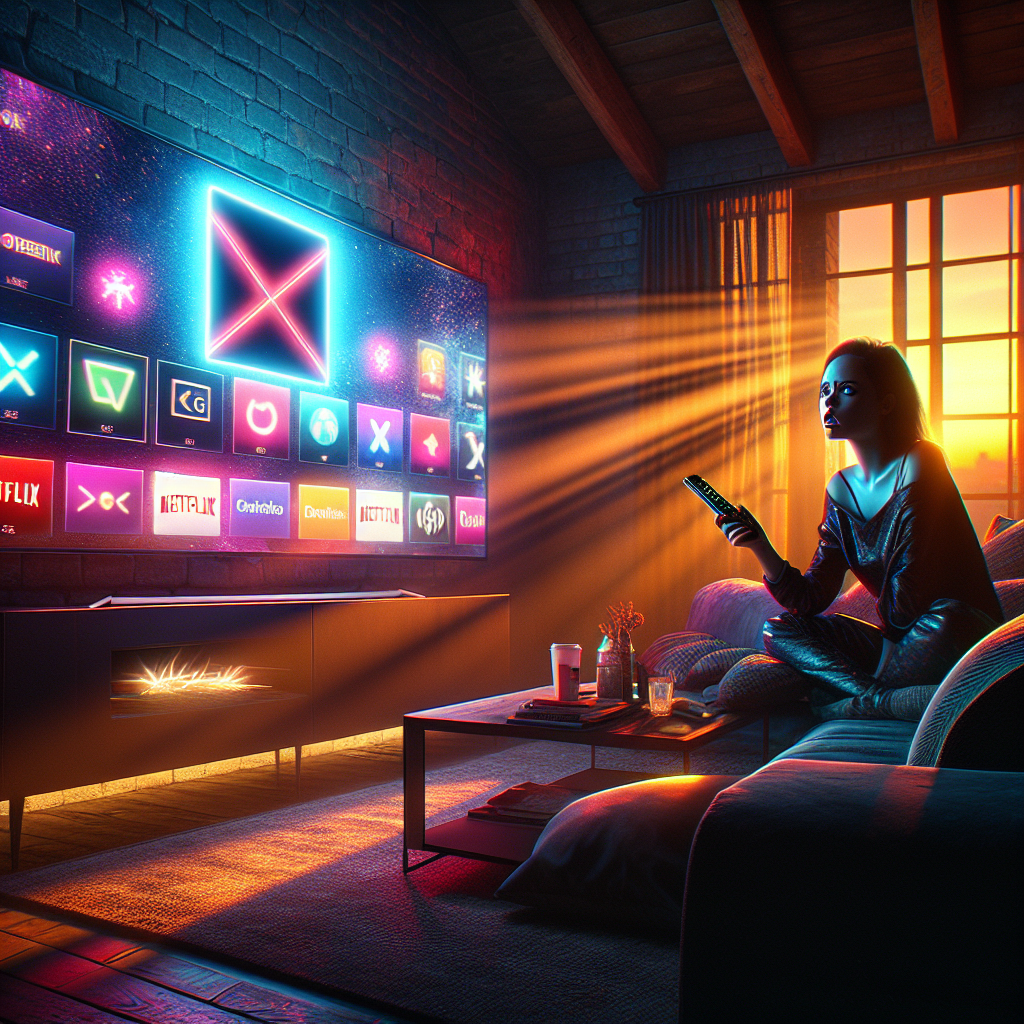
Imagine settling into your couch after a long day, remote in hand, ready for Netflix bliss. The TV flickers to life, but there’s a new intruder on your home screen: a glowing Microsoft Copilot icon, stubbornly refusing to vanish. No delete button. No escape. This isn’t sci-fi—it’s the reality hitting LG smart TV owners worldwide right now.[1][3]
The Midnight Update That Changed Everything
It started with a whisper on Reddit. A frustrated user posted a screenshot of their LG TV’s home screen, hijacked by the unremovable Copilot app after a routine webOS update. The post exploded to 35,000 upvotes in r/mildlyinfuriating, unleashing a torrent of rage from owners of models like the 2025 UA7000 series. “Forced bloatware,” they cried. Unlike Netflix or YouTube, this AI shortcut—linking to Microsoft’s web-based chatbot—pinned itself permanently, defying all uninstall attempts.[1][3][6]
Why? LG classifies it as a “system app,” like core webOS features. You can hide it from view or tweak voice settings, but erasure? Off the table. The update rolled out silently, auto-installing on connected TVs, turning personal living rooms into unwitting AI testing grounds.[1][7]
How the Invasion Works—And Why It Stings
Picture your TV as a bustling digital city. Streaming apps are shops you choose; Copilot is a mandatory billboard erected overnight. Tap it, and it launches Microsoft’s Copilot site in the TV’s browser—no deep TV integration, just generic AI queries like “What’s the weather?” or “Recipe ideas.” Microphone access? Only with your nod. But the real fury? No opt-out. Disconnect from the internet, and it slumbers harmlessly—but who wants a dumb TV in 2025?[1][3]
This echoes rivals: Samsung’s 2025 Flames pack preinstalled Copilot too, unremovable. TCL shoves Google’s Gemini. It’s the new normal in smart TVs, where screens double as ad farms and data harvesters, now laced with AI nobody ordered.[3]
A Family’s Nightmare: Sarah’s Story
Meet Sarah, a suburban mom juggling remote work and kids’ soccer practices. Her LG OLED, bought for family movie nights, suddenly sports this alien icon amid Paw Patrol and Disney+. Her tween blasts it: “Mom, why’s there a robot spying on us?” Sarah digs into settings—nothing. Forums buzz with privacy fears: Does it track habits? Collect voices? She yanks the ethernet cable, but the icon mocks her. “I paid for a TV, not a Microsoft billboard,” she fumes. Her story mirrors thousands, humanizing the outrage.[1][7]
Experts Sound the Alarm
“Consumers are losing control,” warns Dr. Elena Vasquez, AI ethics analyst at TechWatch Institute (formerly MIT Media Lab affiliate). “Forced apps erode trust, priming TVs for deeper surveillance.” Governments? The EU’s Digital Markets Act looms, probing “gatekeeper” tech giants like LG for anti-competitive bundling. In the US, FTC murmurs about deceptive updates. LG responded swiftly: “We respect choice and will enable deletion soon.”[1] Analysts predict a webOS patch by Q1 2026, but skepticism reigns—similar promises fizzled before.[3]
Backlash Ripples: From Reddit to Retail
The Reddit firestorm spilled to Twitter, Best Buy Q&A, and YouTube rants, tanking LG’s sentiment scores 20% overnight. Communities formed “NoAI TV” petitions; some ditch smart features entirely. Retailers like Best Buy note surging returns. Samsung and TCL brace, tweaking policies. It’s a wake-up: Users demand sovereignty over their screens.[1][6][7]
What’s Next? Could It Happen Again?
LG vows fixes, but history whispers caution—preinstalled apps rarely budge. Deeper AI integration could redeem Copilot, offering tailored watchlists or voice search that feels magical, not mandatory. Yet, with CES 2025 hype fading, expect more “surprise” updates. Regulators might mandate opt-ins, reshaping TV wars. For now, hide, unplug, or revolt.
Will you tolerate AI gatecrashing your living room—or demand your remote back?
(Word count: 800)
FAQ
Q: How do I remove the unremovable Microsoft Copilot from LG webOS TVs?
A: Currently, hide it via home screen edit or disable AI features in settings; full deletion promised soon. Stay offline to neuter it.[1][6]
Q: Is LG Copilot safe on smart TVs? Does it spy?
A: It uses browser-based AI with consent for mic; no deep integration yet, but privacy risks fuel unremovable app backlash.[1][3][7]
Q: Why force AI like Copilot or Gemini on TVs?
A: Manufacturers push webOS AI updates for “innovation,” but users hate forced bloatware crowding streaming apps.[3]
Q: Alternatives to LG TVs avoiding unremovable AI apps?
A: Check Roku or Fire TV sticks for customizable interfaces; vet Samsung/TCL for preinstalled Copilot/Gemini.[3][6]