The Email That Changed Everything
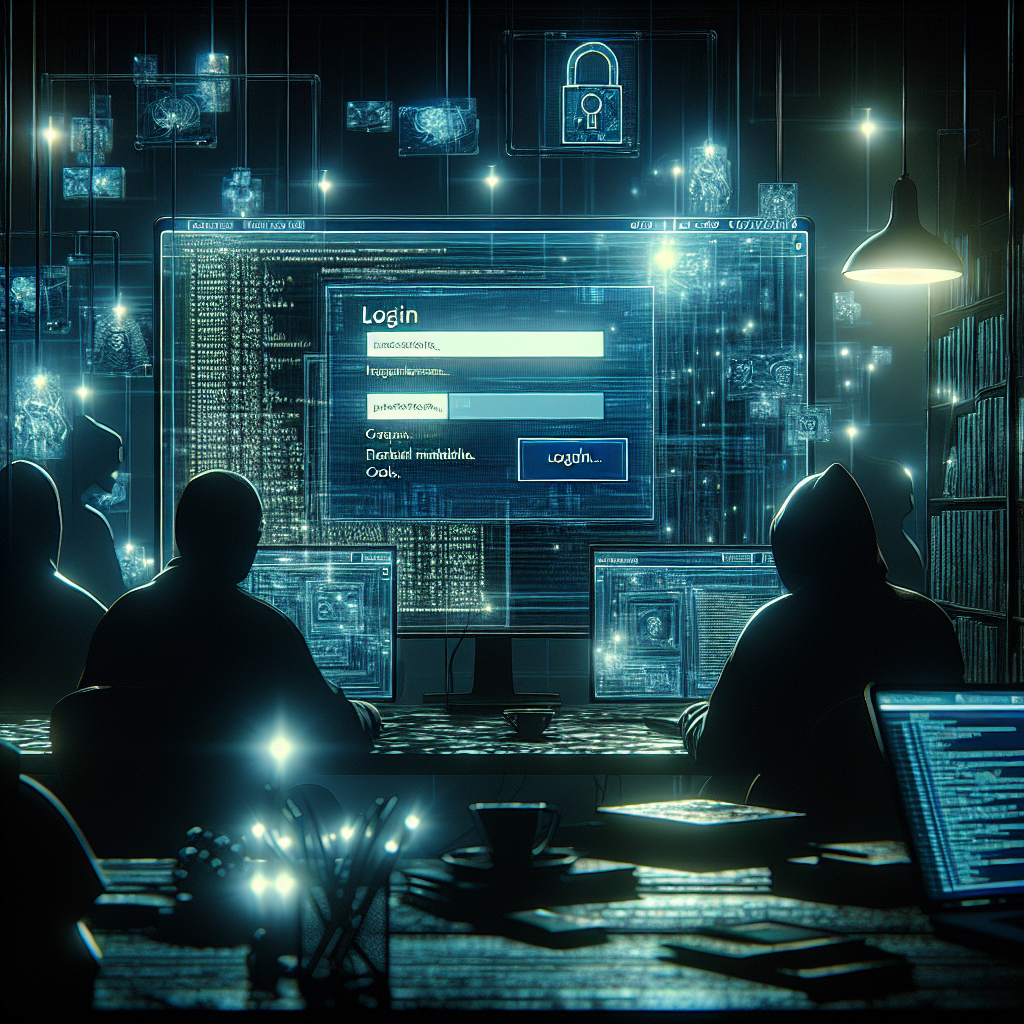
It started, as these things often do, with a single, unremarkable email. For Maya Patel—a mid-level manager at a global manufacturing firm—her day was a whirlwind of messages, notifications, password resets. But this one email just looked so right. It mirrored her company’s Microsoft login, bore her own name, and even referenced a project she was actually working on. She clicked. She typed her password. Then, as always, she entered the six-digit code pinged to her phone.
What Maya didn’t know: At that very moment, on the other side of the world, a hacker was watching the characters appear, live, assembling not just her password but her two-factor authentication (2FA) token. In a matter of seconds, her inbox, her documents, her private chats—were theirs.
Welcome to the new era of cyber theft, where not even 2FA can save you.
Why This Hack Hits So Hard
For years, two-factor authentication—that extra code you get via app or text—was seen as the digital equivalent of locking your door and chaining it shut. But now, a wave of attacks is crashing down, led by shadowy cybercrime outfits renting out “phishing-as-a-service” (PhaaS) toolkits that automate these heists, requiring less skill than ever before[1][2].
Why should you care? Because these attacks no longer just target tech companies or banks. They hit city governments, schools, and hospitals. They can steal private messages, copy confidential files, drain accounts—then disappear before anyone knows what happened[2].
Anatomy of a Breach: How 2FA Gets Bypassed
So how does the magic trick work? Here’s the breakdown, stripped of the techno-magic:
- The Setup: You get a hyper-convincing email—maybe a fake security alert claiming you need to log in.
- The Fake Door: The link takes you to what looks like Microsoft’s real sign-in page, with your company’s logo and all[1][2].
- Harvest and Hijack: You enter your login credentials. The phishing site instantly sends these to the waiting hacker, who feeds them in real-time to the real Microsoft login portal.
- Intercepting 2FA: The site then prompts you for your normal 2FA code. When you type it, the hacker enters it, too—live—opening the door to your data[2][7].
- Stealing Session Cookies: Some attackers grab a bit of browser data called a “session cookie,” allowing them to slip into your account even if you change your password, bypassing 2FA entirely[2].
These aren’t one-off attacks. Toolkits like Tycoon 2FA and Sneaky 2FA empower amateur hackers to launch tens of thousands of these attacks daily[1]. The instructions are as streamlined and polished as any modern app—just enter your target’s email, launch, profit.
On the Inside: A Family Under Siege
Consider the Thompsons: a family of four in Dallas. When Dad, a small business owner, clicked a phishing link disguised as a tax update from his “bank,” he unknowingly served up his 2FA code on a silver platter. Not only was his business email compromised, but weeks later, scammers sifted through old messages to reroute payroll—and almost wiped out the family’s savings in a cleverly timed Friday afternoon transfer.
Sleep was lost. Police reports were filed. But the real cost was trust—trust in technology, in their digital bank, even in each other’s ability to spot a fake.
The Big Response: Industry vs. Infiltrators
The shockwaves have been immense. In early 2025, as over a million 2FA-bypassing attacks swept the globe, cybersecurity firms scrambled to update their detection systems, layering AI models to flag the increasingly sophisticated lures[1][2].
- Microsoft raced to alert customers and patch vulnerable systems, clarifying that the attacks exploited human behavior, not software flaws[3].
- Security experts warned that “legacy” MFA (multi-factor authentication using text or email codes) is no longer enough and pushed for tougher, phishing-resistant methods like security keys or device-tied authenticators[2][3].
- Government agencies issued alerts, calling on critical infrastructure and schools to rethink their security playbooks.
But as defenses evolve, so do the attackers. Some, like a Russian-linked group named Storm-2372, began copying entire app login experiences, harvesting tokens from messaging services like WhatsApp and Teams in real time[3]. The line between your everyday work and the world of espionage is growing razor-thin.
What’s Next? Could Lightning Strike Again?
Phishing is now a productized industry, with criminal service providers constantly dreaming up ways to sidestep whatever barriers we build next[1][2]. As experts race to adopt FIDO2 security keys or passwordless logins, attackers experiment with new lures—always just a step behind our best defenses.
The big question lingers: If our most trusted security shields are failing, where do we turn next?
What would it take for you to trust your digital life again?
FAQ
-
Can hackers really bypass two-factor authentication?
Yes. Modern phishing attacks can trick people into handing over both their password and 2FA code in real time, allowing attackers to access secure accounts. -
What is phishing-as-a-service (PhaaS)?
PhaaS platforms are criminal toolkits that automate phishing attacks, letting less-skilled crooks rent sophisticated phishing campaigns that can steal credentials and 2FA codes[1]. -
How do these phishing attacks target 2FA codes?
They create convincing fake login pages and relay credentials and 2FA codes to hackers instantly, sometimes even stealing browser “cookies” to maintain access[2][7]. -
Who is most at risk from these attacks?
Everyone using cloud-based email, especially Microsoft 365 or services with basic 2FA, including businesses, government institutions, and even individuals[2][1]. -
How can I protect myself from 2FA phishing?
Use security keys or app-based authenticators tied to your device, and always double-check URLs before entering credentials. Never trust links from unexpected emails, even if they look legit.